
209 watch faces for Wear OS
Time,
Time,
your way.
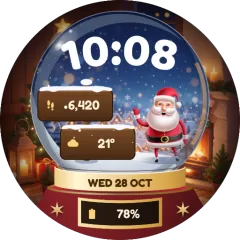
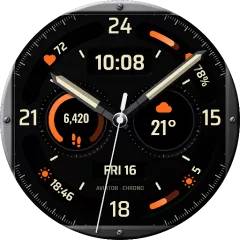
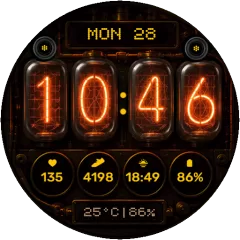
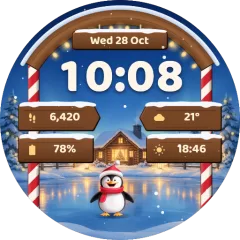
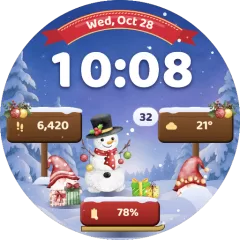
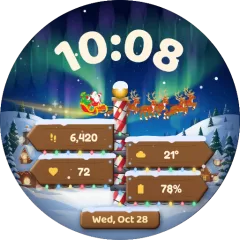
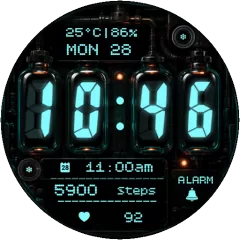
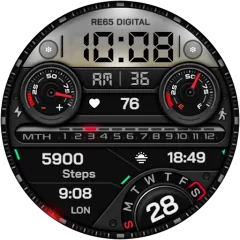
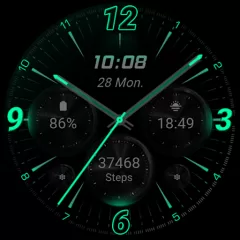
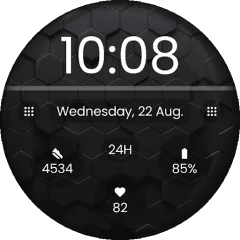
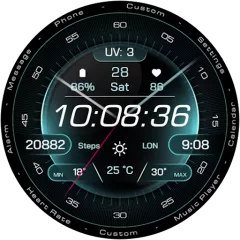
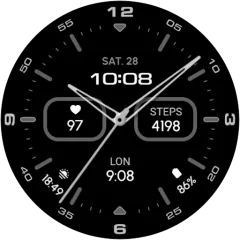
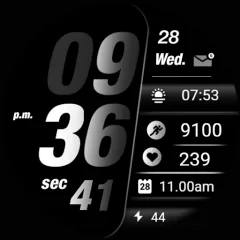
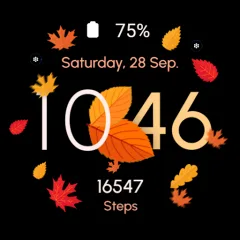
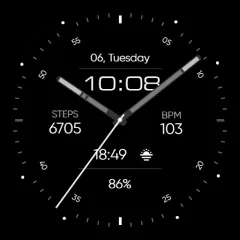
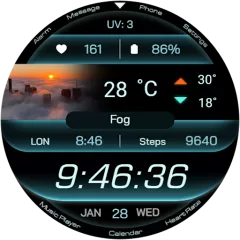
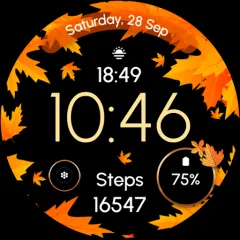
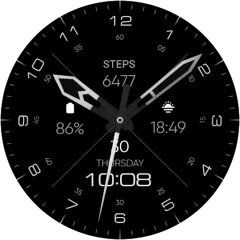
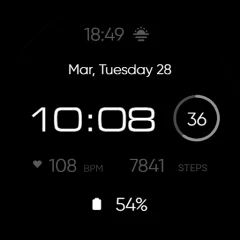
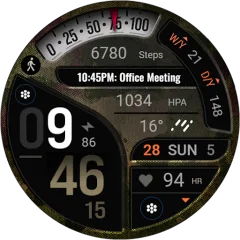
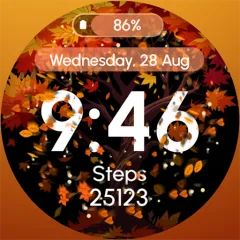
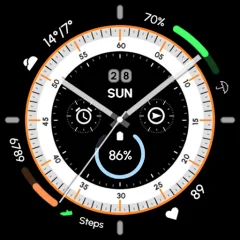
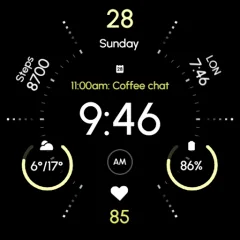
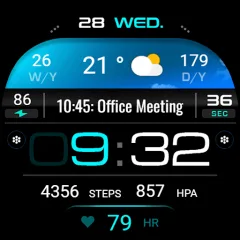
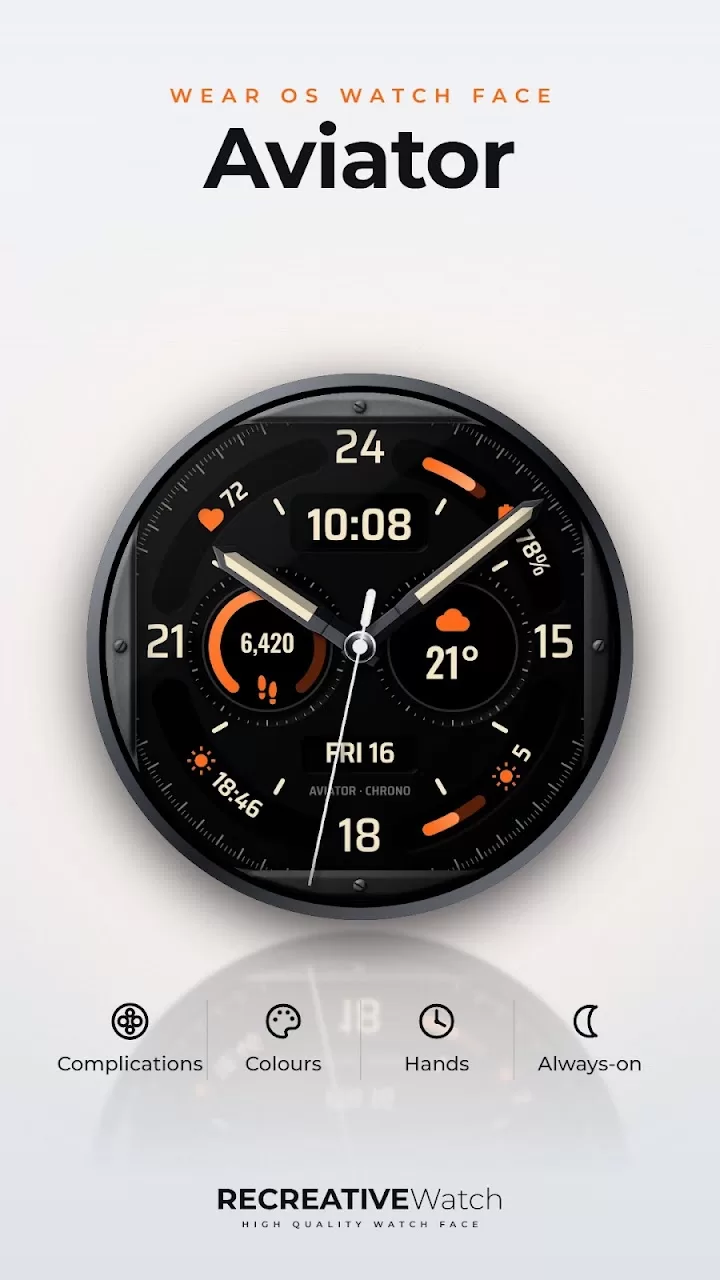
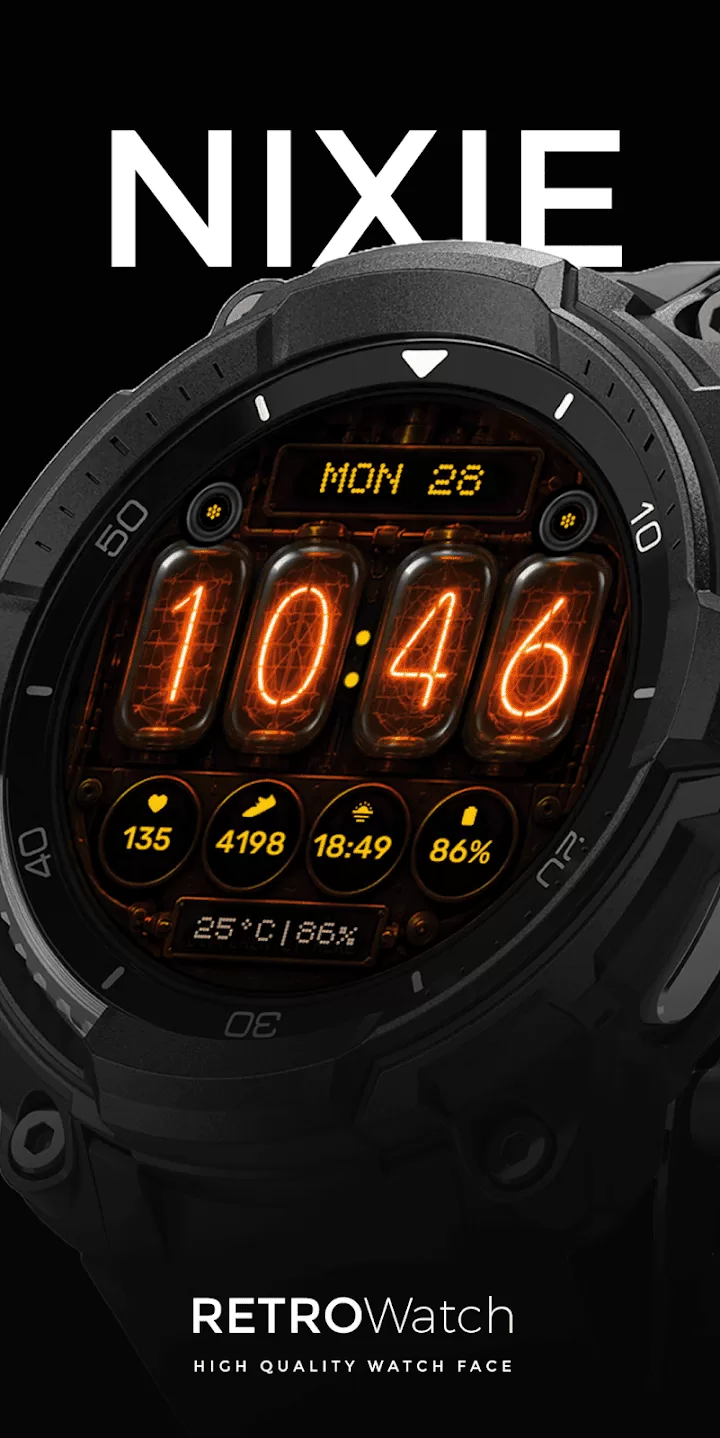
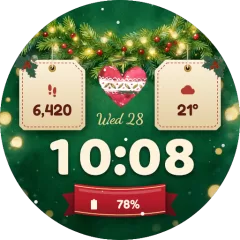
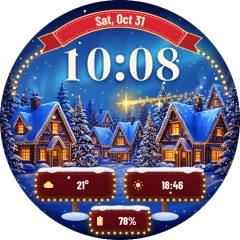
High-resolution, battery-efficient watch faces for Wear OS — from clean minimal designs to seasonal collections for every holiday.
Now on your wrist RE51 Minimal · Digital Sport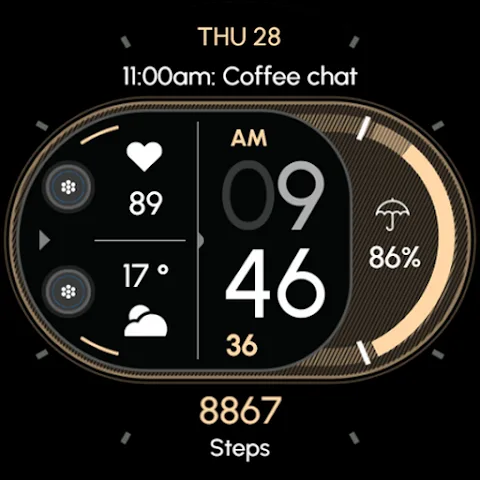
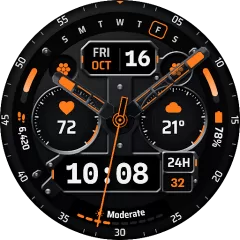
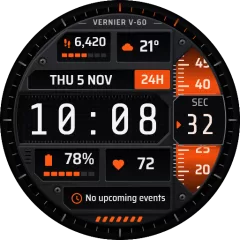
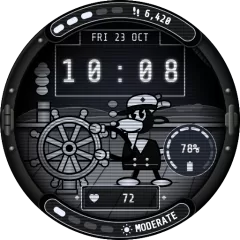


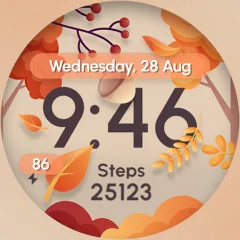
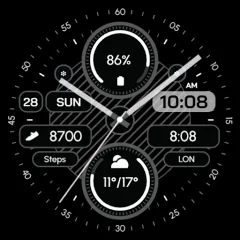
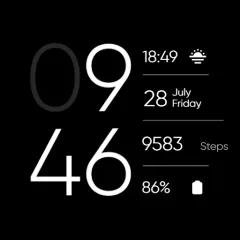
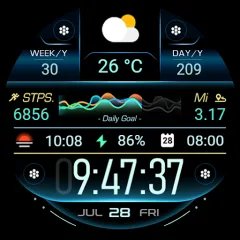
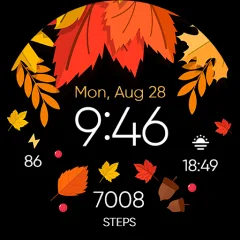
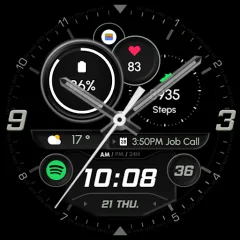
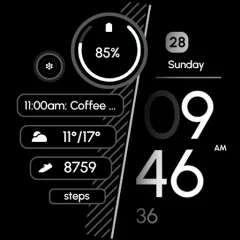
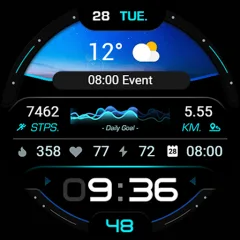
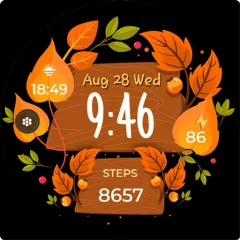
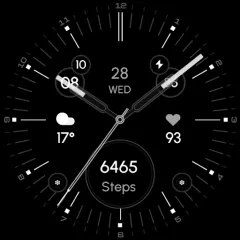
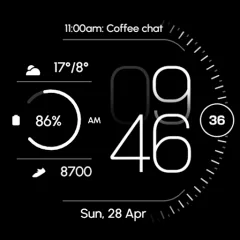
Find your style
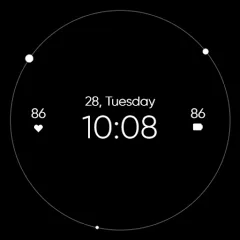
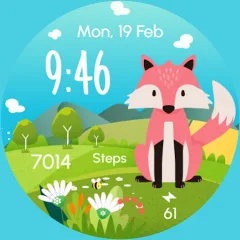
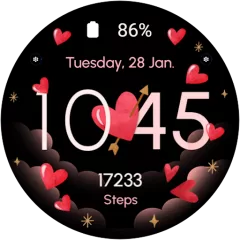
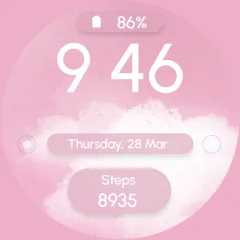
A face for every mood
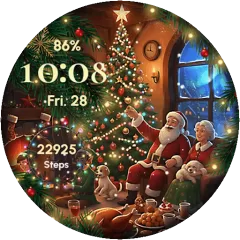
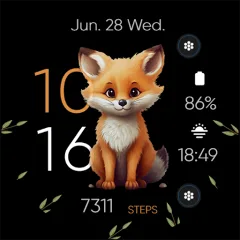
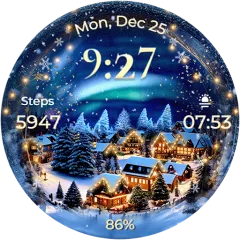
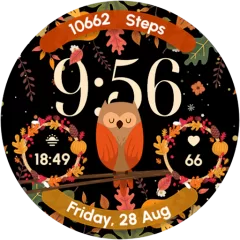
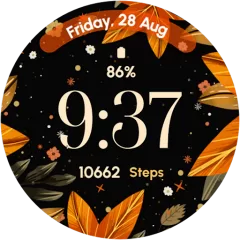
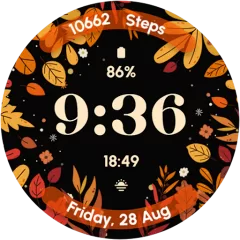
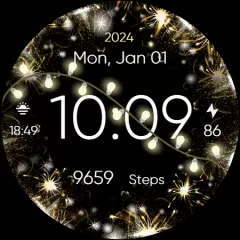

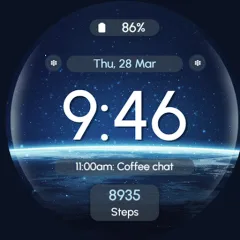
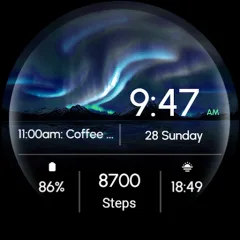
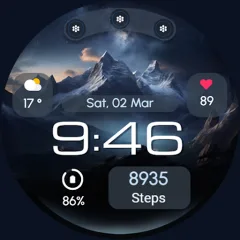
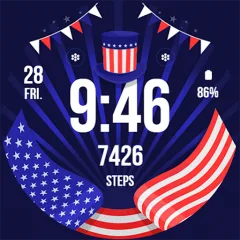
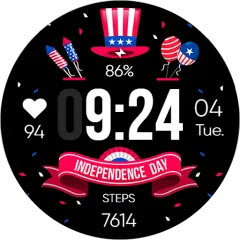
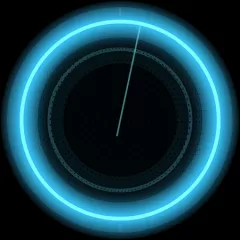



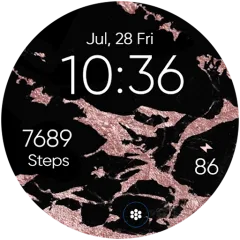
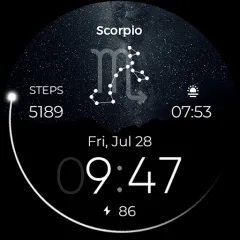
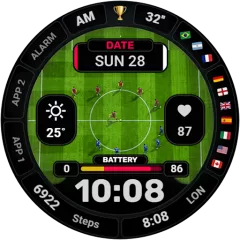
Battery friendly by design
Optimised Always-On Display that respects your battery all day long — built with Google’s Watch Face Format.
Pixel perfect
Crisp on every round Wear OS screen.
Make it yours
Colors, shortcuts and complications.
Health at a glance
Steps, heart rate, battery and weather right on your wrist.
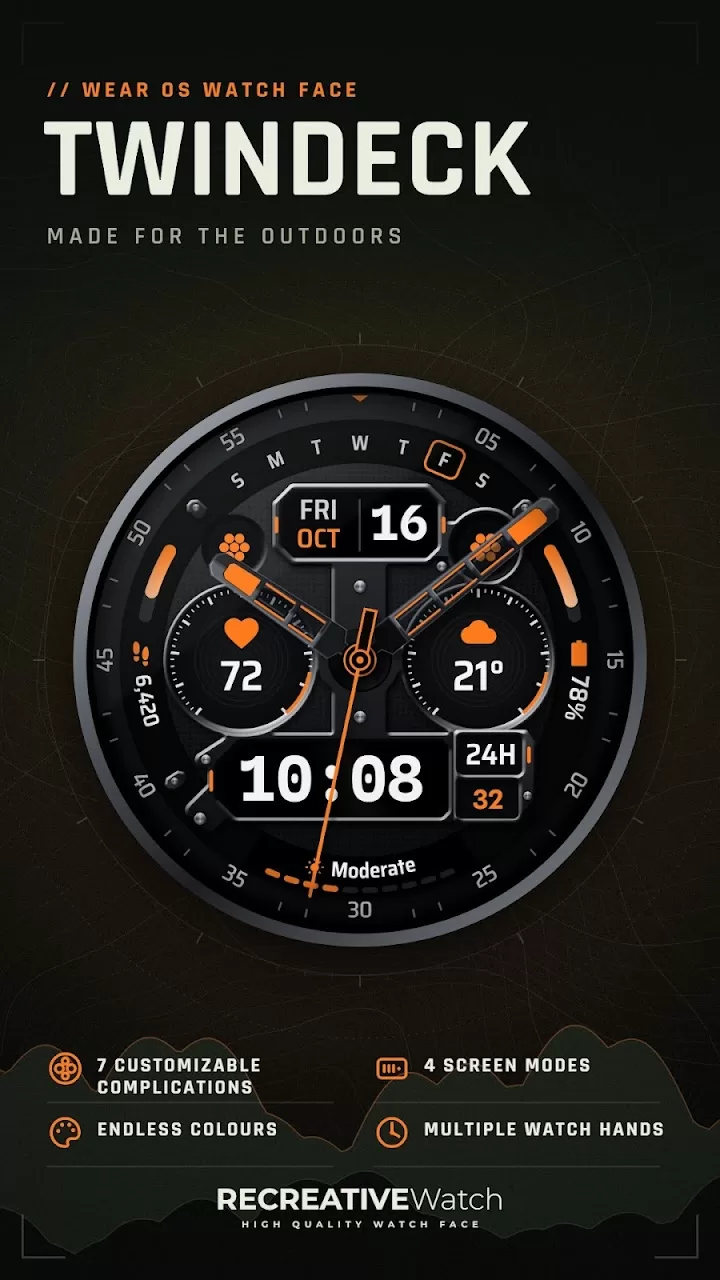
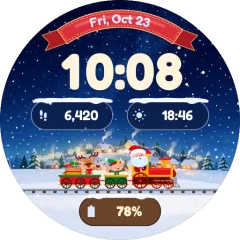
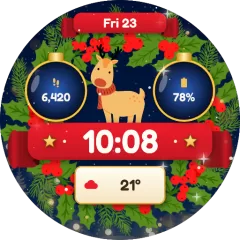
Marketplace app
AllFaces
Every RECREATIVE watch face in one app — all unlocked with one subscription.
Get AllFaces
Deals
All deals
Limited coupons
Compatibility
Made for your Wear OS watch
Built with the Watch Face Format for Wear OS 4 and newer.
- Samsung Galaxy Watch 4 / 5 / 6 / 7 / 8
- Galaxy Watch Ultra
- Google Pixel Watch 1 / 2 / 3 / 4
- OnePlus Watch 2 / 3
- Xiaomi Watch 2 / 2 Pro
- Any Wear OS 4+ smartwatch
Which smartwatches are compatible?
All our watch faces work on Wear OS 4 and newer — Samsung Galaxy Watch 4 and later, Google Pixel Watch, OnePlus Watch 2 and more.
They are not compatible with Apple Watch, Garmin or older Tizen Samsung watches.
They are not compatible with Apple Watch, Garmin or older Tizen Samsung watches.
Do the watch faces support Always-On Display?
Yes. Every watch face includes a battery-optimised Always-On Display mode.
How do I install a watch face?
Install it from Google Play on your phone and choose your watch as the target device, or use the companion app. Step-by-step guides are in our Help Center.
How do I customise colours and complications?
Touch and hold your watch screen, tap “Customize”, then swipe between colours, shortcuts and complications.
Google asked me to pay again — why?
This usually means the watch is signed in with a different Google account than the one you used to buy. Our Help Center explains how to fix it in a few steps.
How can I contact support?
Email us at [email protected] — we’re happy to help.